
Cart is empty
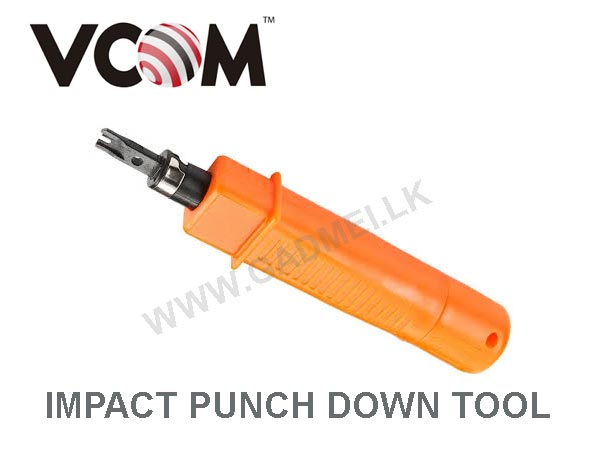

PUNCH DOWN TOOL
Special Price LKR 2850.00
Regular Price:
- Islandwide Delivery Available
The VCOM Impact Punch Down Tool
(typically ~7 inches long) is a professional installation tool designed to insert wires into 110-type or Krone terminal blocks, keystone jacks, and patch panels. It features an internal spring-loaded impact mechanism and adjustable force settings to cleanly terminate and trim excess wire in a single step.
• Adjustable Impact Force: Often includes a twist-and-turn mechanism at the base to adjust pressure depending on the cable size (e.g., "H" for high pressure on larger wires like 15 ± 2 kg and "L" for standard wires like 10 ± 2 kg).
• Reversible Blades: Features twist-and-lock sockets that can accommodate various blade standards (commonly 110 and 66). One side is designed for cutting/punching, and the other for non-cutting wire insertion.
• Ergonomic Design: Constructed with a rugged, non-slip grip body to minimize hand fatigue during large-scale network or telephone installations.
How to use:
When you align the wire over a slotted post on your keystone jack or patch panel and press down at a 90-degree angle, the internal spring releases. The tool produces an audible "click" sound, delivering the exact amount of force required to seat the wire firmly into the terminal block while using the blade’s chisel-like edge to trim off the excess conductor in a single motion